


.png)


How it works
No copying and pasting screenshots. Just record your process and out comes a beautiful video and guide.
Step 1: Record a rough version
Use the Trails Chrome Extension or upload a video. Feel free to make mistakes, our AI will clean it up automatically.

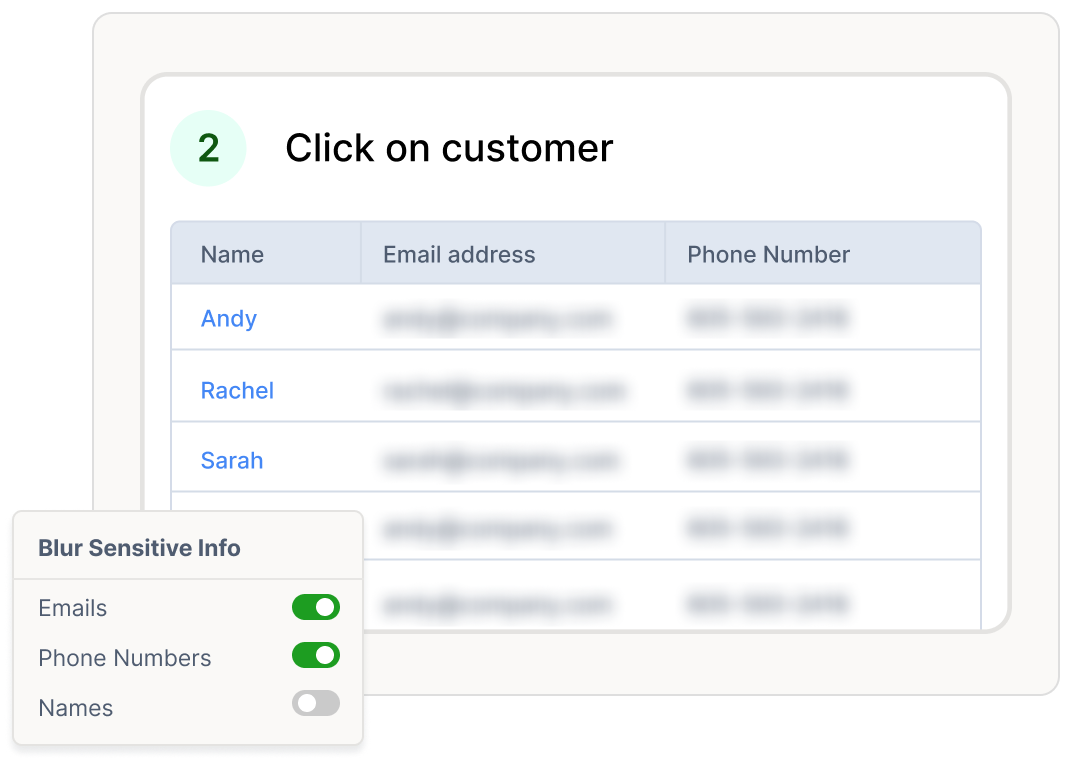
Step 2: Trails creates your video and guide
Trails creates a polished step-by-step guide and branded video with AI voiceover. Edit everything easily.
Step 3: Share anywhere
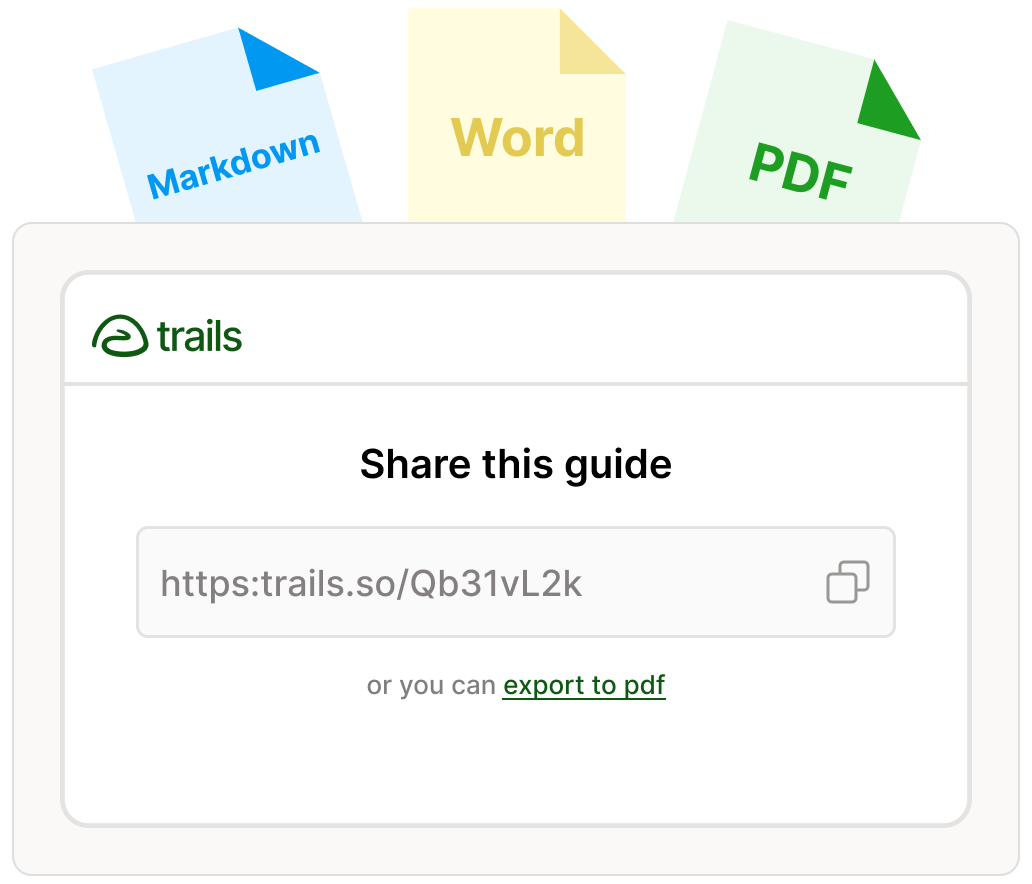
Share with your team or customers via link, embed in your knowledge base, or export to PDF.


“The video feature is actually super cool. Our audience often doesn’t read long help docs, so Trails’ combination of video plus screenshots is much closer to the experience of being on a live call with them.”

Andy Ju
Head of Product, ClassRanked
Effortless to Watch. Easy to Follow.
Videos for engagement. Guides for clarity. Together, unbeatable.
A real video and guide, made in seconds
Exploring Global Search Trends on Google
Created by Alice
3 steps


This isn’t just your usual screen recording.
We create a polished video with advanced animations and AI voiceover.
Simply edit the text in the guide to edit the video. No complex video editing software needed!

Along with the video, we turn your rough recording into a professional step-by-step guide.
Easily skimmable and searchable by your team or customers.
Exploring Global Search Trends on Google
Created by Alice
3 steps
This isn’t just your usual screen recording.
We create a polished video with advanced animations and AI voiceover.
Simply edit the text in the guide to edit the video. No complex video editing software needed!
Along with the video, we turn your rough recording into a professional step-by-step guide.
Easily skimmable and searchable by your team or customers.
Turn “How do I?” into “I did it.”

Operations
Quickly standardize workflows, ensuring consistent operations and effective onboarding from day one.

Support
Make customers happier with easily updated, self-service instructions, FAQ’s, and troubleshooting guides.

HR & Training
Reduce back-and-forth Q&A for common tasks like logging into HR portals or accessing benefits — no technical skills needed.

IT
Reduce repetitive support sessions for common technical processes. Clear tickets faster with less confusion.

Product
Bridge the gap between technical and non-technical teams. Train external stakeholders without needing live meetings.

Consulting
Create client tutorials and SOPs in a fraction of the time. Impress teams and scale impact with professional documentation.

